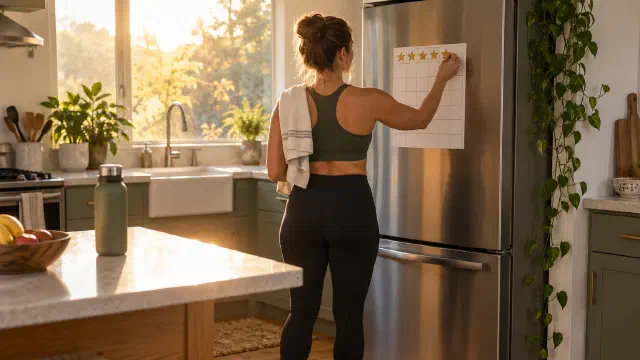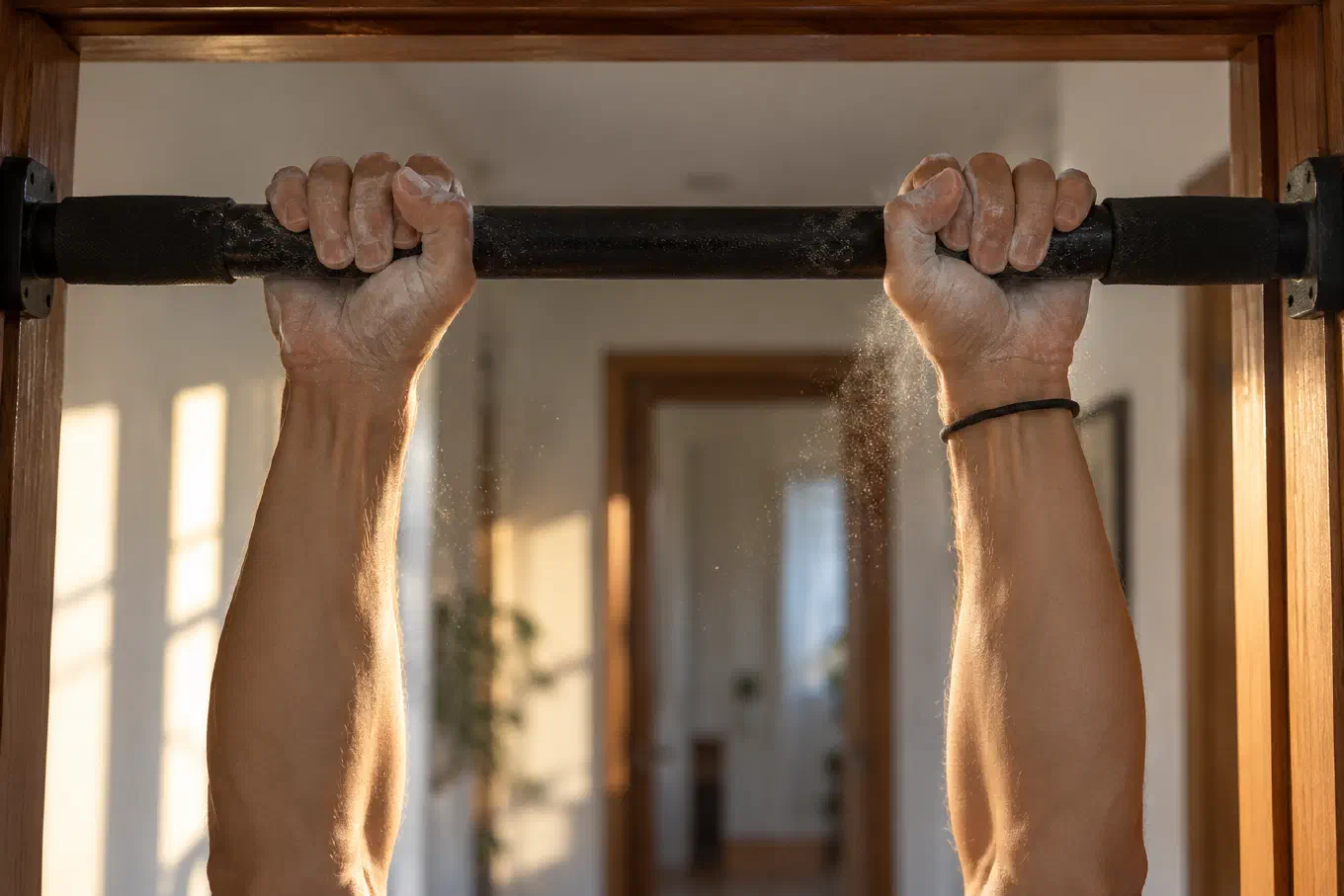
The best rep counter app depends on one question: do you want the phone to count your reps, or to keep the count? Camera, proximity, nose tap, and watch apps count a single push-up set as it happens. Kountrain keeps the record instead: you log the number after each set, across six bodyweight exercises, with goals, streaks, and stats.
Contents
- The five ways a rep counter app counts
- Camera AI counters: impressive, and fussy about placement
- Proximity and face counters: the phone under your chest
- Nose tap counters: the simplest automatic method
- Watch counters: reps from your wrist
- Log after the set: the method that works for every exercise
- The part every counter skips: what happens to the number
- Kountrain: a rep counter built to keep the count
- Which rep counter app should you use?
The five ways a rep counter app counts
Search “rep counter” or “push-up counter” in the App Store or Google Play and you get dozens of apps that look alike. Underneath, they use one of five methods, and the method decides what the app is good for.
| Method | How it counts | Works for | The catch | Example |
|---|---|---|---|---|
| Camera AI | Phone camera tracks your body pose | Push-ups, squats, some others | Accuracy depends on angle and distance | Push Up Counter: AI Tracker |
| Proximity or face sensor | Phone on the floor detects your chest or face at the bottom | Push-ups | Push-ups only, phone must be under you | PushFit, PushPalm |
| Nose tap | You touch the screen with your nose at the bottom | Push-ups | Push-ups only, and you touch a screen with your face | Push-Ups |
| Watch motion | Watch sensors read the movement of your wrist | Many movements | Needs a compatible watch | Rep Up for Watch |
| Log after the set | You enter the number when the set ends | Any exercise | You count in your head | Kountrain, RepCount |
The first four count one set while it happens. The fifth does not count for you, but it works for every exercise, anywhere, with the phone in your pocket. Most people choosing a rep counter are really choosing between those two jobs.
Camera AI counters: impressive, and fussy about placement
Camera rep counters use pose estimation: the app finds your shoulders, hips, elbows, and knees in each video frame and counts a rep each time the pattern completes. You prop the phone up, step back, and train. Push Up Counter: AI Tracker, for example, offers an AI camera mode where you prop your phone up and the camera reads your movement, plus a second mode with the phone flat on the floor.
The technology can be very accurate in the right conditions. A 2023 research system called Pūioio, built by Adam Sinclair, Kayla Kautai, and Seyed Reza Shahamiri, counted squats, push-ups, and pull-ups entirely on-device with only a smartphone camera, and reported 98.89 percent accuracy in real-world tests.
The catch is placement. A 2026 study in JMIR mHealth and uHealth, Evaluation of Smartphone Camera Positioning on Artificial Intelligence Pose Estimation Accuracy for Exercise Detection, had 44 university students do push-ups or squats in front of a phone placed in 12 configurations: front, side, and diagonal views at 90, 180, 200, and 360 cm. Across roughly 1,320 reps per exercise, the mean detection rate was 61.1 percent for push-ups and 61.5 percent for squats, with an average counting error of about one rep per trial of roughly five. The spread between positions was huge. Push-ups filmed diagonally from 90 to 180 cm reached up to 85.7 percent detection, while push-ups filmed from the front at 360 cm dropped to 20 percent. Squats reached 95.5 percent from a diagonal view at 200 cm and 0 percent from the side at 90 cm.
The practical lesson: if you use a camera counter, set the phone at a diagonal angle, roughly two meters away, and check that your whole body is in frame. That setup works well in a living room and poorly for a quick set at your desk.
Proximity and face counters: the phone under your chest
Proximity and face counters are built for push-ups. You place the phone on the floor beneath your chest, and each time you come down, the phone registers a rep. PushPalm uses the phone’s proximity sensor, the same sensor that turns the screen off when you hold the phone to your ear. PushFit uses the front camera to track your face as you lower toward it. PushFit is free, with a one-time Pro purchase that removes ads.
The method is reliable for its one job, and that is also its limit. It only knows push-ups. It cannot count squats, lunges, burpees, or pull-ups, because your chest never comes down to a phone on the floor during those movements. It also asks for a setup step before every set, which matters if your sets are short and scattered through the day.
Nose tap counters: the simplest automatic method
The oldest trick in the category is the nose tap. The phone lies on the floor, and at the bottom of each push-up you touch the screen with your nose. Every touch is one rep. Push-Ups by Thomas Schoffelen works exactly this way, is free with no in-app purchases, and keeps a daily history of your count.
Nose tapping has one real advantage over every sensor method: it forces full depth. A rep only counts if your face reaches the phone on the floor, which is closer to a proper push-up than many people do on their own. The downsides are the same as proximity counters (push-ups only, phone on the floor) plus one more: you are pressing your face onto a shared screen, set after set.
Watch counters: reps from your wrist
Some third-party Apple Watch apps count reps from the motion sensors on your wrist, so the phone stays out of the way. Rep Up for Watch automatically recognizes the movement pattern and counts from there, and lists movements with prominent hand motion such as squats, rows, and shoulder presses alongside stationary-hand movements like push-ups and pull-ups. It is free to start, with fifteen free workouts before paid options. Push Up Counter & Tracker counts push-ups with either the iPhone camera or the watch’s motion sensors.
Watch counting is the most convenient automatic method when it works, since nothing has to be set up on the floor. It needs a compatible watch, and wrist motion is a less direct signal than a camera watching your body, so expect to check the count now and then.
Log after the set: the method that works for every exercise
The fifth method has no sensor at all. You do the set, count in your head the way people always have, and enter the number when you finish. Gym loggers like RepCount work this way: its free version logs unlimited workouts without ads, and its Premium subscription adds advanced graphs and supersets. Kountrain works this way for bodyweight training.
Logging after the set gives up the novelty of automatic counting and gets three things back. It works for every exercise, including pull-ups on a doorway bar, lunges, burpees, and planks measured in seconds. It needs no setup, so a set of ten push-ups before a meeting costs ten seconds of logging, not a minute of propping up a phone. And the count is exactly as accurate as you are, which, for a number between 1 and 50, is very accurate.
This matters most for the way many people actually train with bodyweight: short sets spread across the day. Methods like grease the groove are built on many easy sets, never to failure, often a few reps at a time. No one props up a camera for three pull-ups in a doorway.
The part every counter skips: what happens to the number
Counting a set is the easy half. The half that changes your training is what happens to the number afterward. A rep counter that shows “23” and then forgets it has counted your set and done nothing for your progress.
The research on behavior change is clear about which half matters. A 2009 meta-regression in Health Psychology by Susan Michie and colleagues, Effective techniques in healthy eating and physical activity interventions, analyzed 122 evaluations covering 44,747 people. Self-monitoring explained more of the difference between interventions than any other technique. Interventions that combined self-monitoring with at least one other technique from control theory, the family that includes setting goals and reviewing your progress against them, produced a pooled effect of 0.42, compared with 0.26 for the rest.
In plain terms: recording what you did helps, and recording it against a goal helps more. So when you compare rep counters, look past how the app counts. Ask whether it keeps your history, totals your day, sets a goal, and shows you the trend. We go deeper on the psychology in why counting reps matters.
Kountrain: a rep counter built to keep the count
Kountrain is a bodyweight rep counter and workout log for iPhone and Android. It does not count reps with the camera, a sensor, or your voice. You do the set, then log the number on a wheel that opens on the number you logged last time, so a repeat set is a quick confirm. Planks have a built-in timer that saves the hold straight to your log.
Kountrain ranks first in this guide for the job most bodyweight trainees actually have, which is keeping an honest record of every set across the day:
- Six built-in exercises: push-ups, pull-ups, planks, burpees, squats, and lunges, each with a form guide covering technique, tips, and common mistakes. Hide the ones you skip and reorder the rest.
- A daily rep goal: every set adds to today’s total, and plank seconds count toward the same goal.
- Streaks and stats: current and longest streak, daily averages, best day, best session, and progress over days, weeks, and months.
- Achievements for consistency and lifetime totals, shareable when you earn one.
- Optional reminders that only arrive on days you have not trained.
- Your data stays yours: everything works offline, with no account. Export your full history as a CSV file at any time, and import a Kountrain export on a new phone.
- No ads, no subscription. Logging and progress tracking are free. Kountrain Premium, a one-time purchase, adds custom exercises with their own name, color, icon, unit, and achievements.
Kountrain is not a gym logger. It does not track barbell weight, routines, or rest timers between heavy sets. If you lift in a gym, a tool like RepCount fits better. And if you love watching a camera count your push-ups, use a camera counter for the set and keep the total wherever you keep your records. For the full comparison of free trackers, see the best workout tracker with no subscription.
Kountrain is free on the App Store and Google Play.
Which rep counter app should you use?
Match the method to how you train.
You do a daily push-up challenge in one session, and want the phone to count. Use a proximity, face, or nose tap counter such as PushFit or Push-Ups. Setup is one step, and push-ups are all they need to know.
You train push-ups and squats in one spot at home, and like hands-free counting. Use a camera counter, and place the phone at a diagonal, about two meters away, with your whole body in frame. That is where the 2026 JMIR study found the best accuracy.
You already wear a compatible watch and train many movements. Try a watch counter such as Rep Up for Watch, and spot-check its count for your exercises.
You train bodyweight through the day: pull-ups on a doorway bar, push-ups between meetings, a plank before bed. Use Kountrain. Logging after the set is the only method that covers all of it, and the daily goal, streak, and stats turn scattered sets into a record you can see.
You lift weights in a gym. Use a gym logger like RepCount, which tracks weight, sets, and reps for barbell and machine work.
Whatever you pick, the method that counts is less important than the habit of keeping the count. If you want a number to measure yourself against, start with average push-ups by age, and for the movements themselves, the six bodyweight exercises full-body guide.