Do I need a Google account?
Yes. Cleangarden uses Google sign-in to access your YouTube playlists through the YouTube API. No separate Cleangarden account is needed.
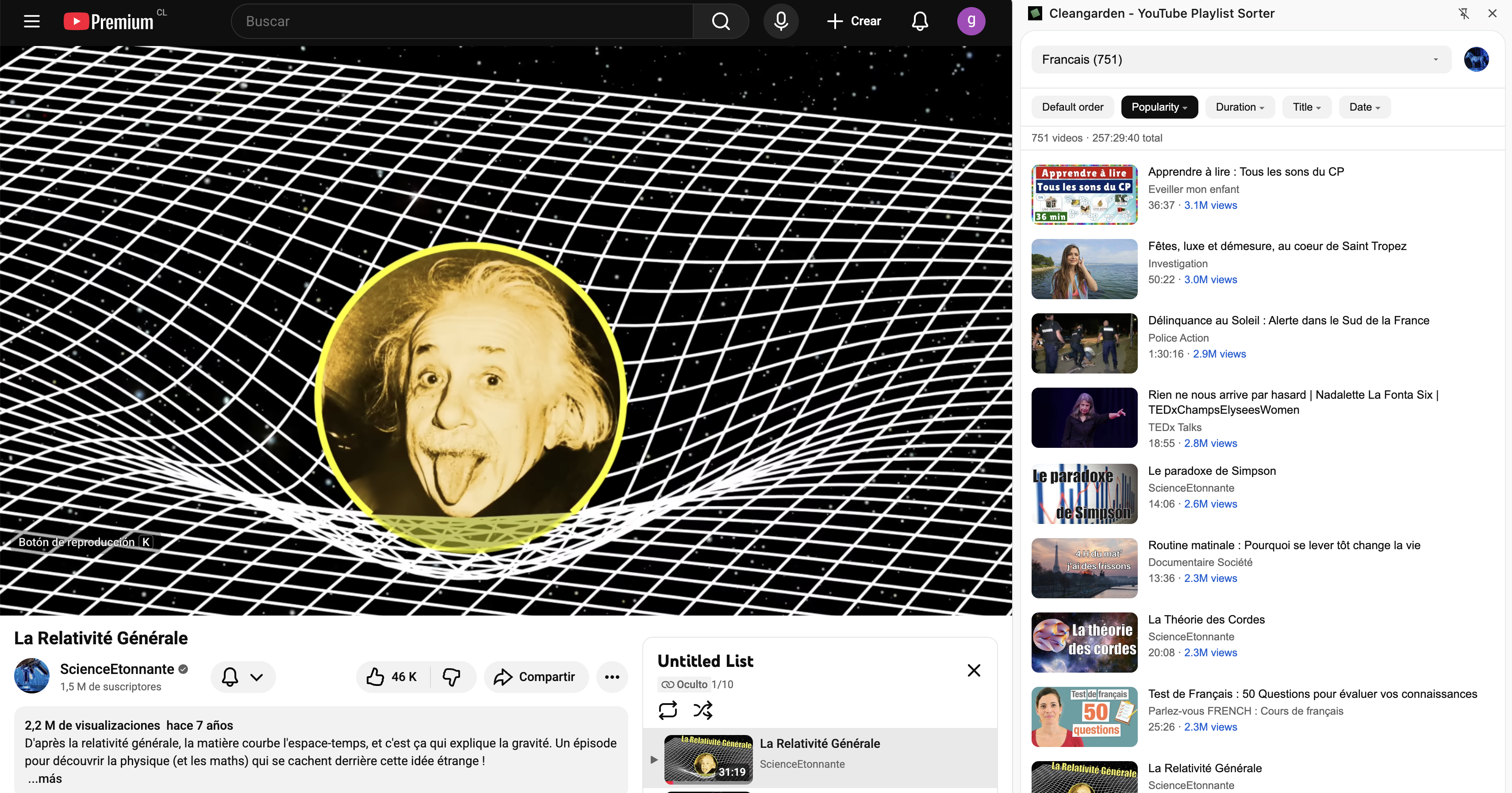
Can I sort YouTube playlists by view count?
Yes. Sort by popularity (most viewed or least viewed), duration, title, or date published. Ascending or descending.
Does it work with Watch Later or saved playlists?
No. The YouTube API does not provide access to Watch Later or saved playlists. Cleangarden works with playlists you created on your account.
Does it work on YouTube Music?
No. Cleangarden only works on youtube.com. YouTube Music is not supported.
Does it work on Brave, Edge, or Opera?
Yes. Cleangarden works on Chrome and other Chromium-based browsers, including Brave, Microsoft Edge, and Opera. Install it from the Chrome Web Store.
What languages is it available in?
English, Spanish, French, German, Italian, Portuguese, Japanese, and Korean. Detected automatically from your browser.