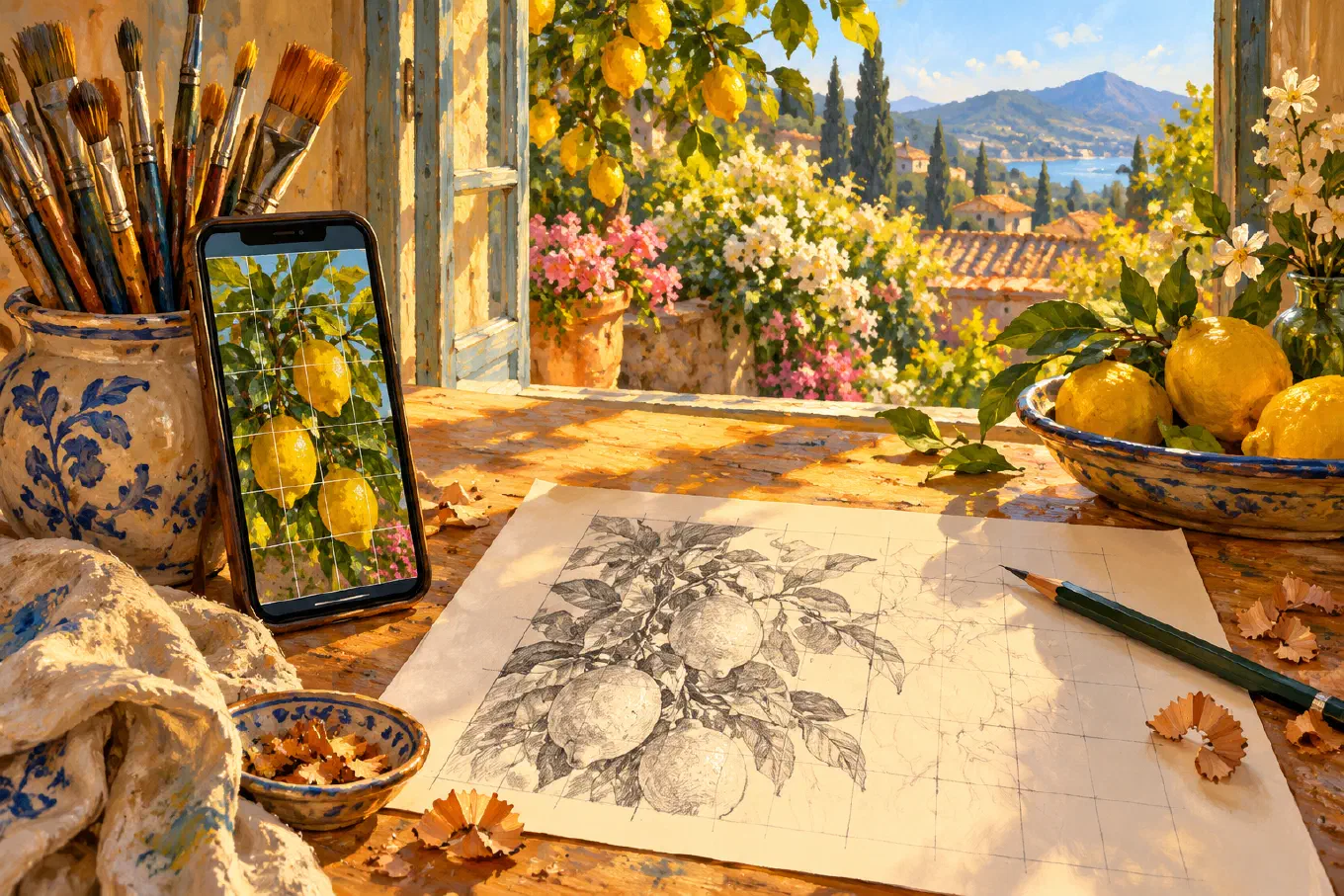
The best free grid drawing app is Overgrid: no ads, no account, and an adjustable grid on iPhone, iPad, Mac, and Android, limited to three projects and smaller saved images. DrawinGrid is the most popular free pick but shows ads. In a browser, imageonline.io’s Grid Maker works without uploading your photo.
“Free” on an app store means one thing: no price at install. Each app below charges something else, and this guide names it. We checked every App Store listing, Google Play listing, privacy label, and website in October 2026. Prices are US store prices and vary by country. If you are willing to pay a little and want the full comparison, including paid apps, read the best grid drawing apps for artists.
What “free” costs in a grid app
A grid app is a small tool. It does not need a server to draw lines on your photo. So when a grid app is free, the bill shows up in one of six places:
- Ads. Banners or full-screen ads between steps. Google Play prints a “Contains ads” label on the listing; on the App Store, check the in-app purchases for a “Remove Ads” item.
- A subscription. The grid is free, the useful options are weekly or monthly.
- A project cap. You can grid a few photos, then you delete or pay.
- A smaller export. The saved image is capped in size, fine on a phone, soft on a big print.
- An account. Some features need a sign-in, which means your work lives on someone’s server.
- Your data. The privacy label tells you whether advertising identifiers leave your phone.
None of these is dishonest. You just want to know which one you are agreeing to before you start a drawing that takes three weeks. For the wider version of this question across painting and sketching apps, see are free drawing apps really free.
The free grid apps at a glance
| App | Platforms | Ads | What costs money |
|---|---|---|---|
| Overgrid | iPhone, iPad, Mac, Android | No | One-time upgrade: unlimited projects, full-resolution saves, value and temperature tools |
| DrawinGrid | iPhone, iPad, Android | Yes | Remove Ads purchase; Pro subscriptions for cloud sync and AI |
| Grid # - Add grid on image | iPhone, iPad | Yes | $3.99 for more features and ad removal |
| GridArt | iPhone, iPad, Android | Yes | Weekly ($3.99) or monthly ($12.99) premium |
| Photorealism: Grid Method | iPhone, iPad, Android | Yes | Remove Ads; optional account for sync |
| imageonline.io Grid Maker | Any browser | On the page | Nothing |
| Luuk Minkman’s Grid Overlay Tool | Any browser | On the page | Nothing |
1. Overgrid: the best free grid app with no ads
Overgrid is our app, so here is its free tier exactly as it ships, limits included.
What is free, forever. Pick a photo from your gallery or camera and the grid is on it. You set rows and columns, keep the cells square or not, and choose line weight, opacity, and one of six preset colors. You can switch full lines for dots or crosses at the intersections when lines cover too much of the face you are drawing. You can turn on Contrast, which outlines every line so it stays readable on busy photos, number the cells so you never lose your place, and add diagonals. You can crop the photo to your canvas ratio and rotate it. While a project is open, the screen stays awake, so the phone does not lock while it leans against your easel.
What the free tier does not do. It holds three projects at a time. Saved and shared images are capped at a smaller size, which is sharp on a phone or tablet and soft if you print a reference at poster size. There is no watermark.
What the upgrade adds. Unlimited projects, any grid color, an adaptive color that stays visible over light and dark areas, Canvas size mode (enter your real canvas dimensions in centimeters or inches and Overgrid computes the grid), saved templates, full-resolution saves, and two painting tools: a value study that reduces the photo to two to eight tonal levels, and a temperature overlay that maps warm and cool zones. It is one purchase. The App Store listing puts it plainly: “Full access is a one-time purchase. Not a subscription.”
Privacy. No account, no cloud, no ads. Photos stay on your device. The app sends anonymous usage analytics and crash reports, which both stores’ privacy labels list, and Google Play’s data safety section confirms no data is shared with other companies.
Platforms: iPhone, iPad, Mac (App Store) and Android (Google Play). The honest catch: three projects and smaller saves. If you draw one reference at a time and work from the screen, you may never hit either.
2. DrawinGrid: the most popular free grid app, with ads
DrawinGrid by ButterflyRay is the grid app that turns up in reviews from students whose art teachers recommended it, and its numbers back that up: a 4.74 rating across more than 5,000 App Store ratings, and over a million installs on Google Play, where it is listed as Drawing Grid. It is actively developed, with an update in September 2026.
The core grid has no project cap. The developer’s site says you can use the grid, on-screen tracing, and AR tracing “without an account.” The app has grown well beyond a grid, though: project timelines, cloud sync, AI title suggestions, and a public gallery, and those features need an account.
The bill is ads. Google Play labels the app “Contains ads,” the App Store lists a Remove Ads purchase at $10.00 and Pro tiers, and the developer’s site describes “optional in-app purchases and subscriptions” for cloud storage and AI. One App Store reviewer in August 2026 said a Pro purchase now behaves like a monthly subscription. If you can live with ads, it is a capable, free, unlimited grid.
Platforms: iPhone, iPad, Android. The honest catch: ads unless you pay, and a growing feature set that leans toward accounts and subscriptions.
3. Grid # - Add grid on image: simple, but not maintained
Grid # - Add grid on image is one of the oldest grid apps on iPhone, from 2015, with a 4.61 rating across more than 10,000 App Store ratings. It does one job: it puts a rectangle or square grid on a photo, with any RGB line color, transparency, line width from 1 to 20, diagonals, and color picking from the image.
Some options are paid. A third grid layer, movable and rotatable grids, and one square grid type are marked as pro features in its own description, unlocked by a single $3.99 purchase called “More features & Remove Ads,” which tells you the free version shows ads. The last update was in April 2024, more than two years before this writing, so treat it as a finished tool that is no longer being improved.
Platforms: iPhone, iPad. No Android. The honest catch: ads in the free version, and no update since April 2024.
4. GridArt: feature-rich, behind ads and a subscription
GridArt has one of the longer feature lists: grids by rows and columns or by measurement in millimeters, centimeters, or inches, diagonals, row and column labels, a sketch filter, black and white conversion, and crop presets. On Google Play it has passed a million installs.
The friction is the business model. Both stores label it as containing ads, and the App Store lists a GridArt Weekly Premium at $3.99 and a Monthly Premium at $12.99. Its recent App Store reviews are blunt about the ad load, including a January 2026 review describing “like 20 min of ads” just to grid a reference. The grid itself works. The experience around it is the cost.
Platforms: iPhone, iPad, Android. The honest catch: heavy ads, and a weekly or monthly subscription to unlock features.
5. Photorealism: Grid Method, built by a photorealist
Photorealism: Grid Method is the newest serious entry, released in September 2026 and designed by the photorealist Dylan Eakin. It goes past the grid: it sizes the grid to your paper in inches or centimeters, labels rows and columns, splits the reference into tonal layers for each drawing stage, lets you mark squares complete and track time, and compares a photo of your drawing against the reference. Early App Store ratings are high, at 4.95 across 79.
Its free version is ad-supported. The App Store labels it “Contains Advertising” and lists Remove Ads purchases, and the developer’s site describes Remove Ads as a monthly auto-renewing option. Signing in is optional and only needed to sync projects across devices.
Platforms: iPhone, iPad, Android (Google Play). The honest catch: ads, removed by a recurring payment, and the app is weeks old.
The best free grid tools online, no install
If you are at a computer and only need one gridded image, a browser tool is the fastest route. Both of these draw the grid in the browser itself.
imageonline.io Grid Maker sets the number of columns (rows follow), line width and color, diagonals, letter and number labels in the margin, and color, black and white, or grid-only views. It downloads JPG, PNG, or WebP. Its privacy statement is unusually clear: “There is no upload, no account and no server-side copy.”
Luuk Minkman’s Grid Overlay Tool lets you choose the number of squares, line width and color, and your paper size in millimeters, centimeters, or inches, then downloads the gridded image as a PNG.
Both pages are paid for by display ads around the tool, not inside your image. What web tools lack is the working session: nothing is saved as a project, and they are awkward on a phone propped next to a canvas. For desktop software, GIMP’s render Grid filter is free too, and our guide on how to add a grid to a photo walks through it.
The best free grid drawing app for Android
Android has more grid apps than iPhone, and most of them are ad-supported. Of the Android grid apps with real install numbers, these carry Google Play’s “Contains ads” label as of October 2026: DrawinGrid (1M+ installs), GridArt (1M+), Grid Drawing - Grid Maker (1M+), and Grid App for Artists (100K+).
If you want an Android grid app with no ads, Overgrid is the one: no ads, no account, photos that stay on the phone, and the same app on Android tablets, so a large-screen reference beside the easel works as well as on a phone. If ads do not bother you and you want unlimited projects without paying anything, DrawinGrid is the proven choice.
The best free grid app for iPhone and iPad
On iPhone and iPad, Overgrid is the free pick with no ads, and it also runs on Mac. DrawinGrid is the popular free alternative with ads. Grid # still works for a quick grid but has not been updated since April 2024. Photorealism is worth watching if you draw realism in graphite and do not mind ads. And if a one-time paid app is acceptable, the main grid apps roundup covers Grid Painter and the rest.
How to check any free grid app in thirty seconds
Before you install, look at four things on the listing:
- The ads label. On Google Play, “Contains ads” sits under the app name. On the App Store, look for a “Remove Ads” in-app purchase or a “Contains Advertising” note.
- The in-app purchase list. On the App Store, scroll to In-App Purchases. “Weekly” or “Monthly” means a subscription. A single item usually means a one-time unlock.
- The last update date. A grid app does not need monthly updates, but one untouched for years may break on the next OS version.
- The privacy label. “Data Used to Track You” or advertising identifiers mean an ad network is involved.
Then grid one photo and save it. If the saved image is the size you need and nothing interrupted you, the app passes.
The bottom line
The best free grid drawing app is the one whose bill you do not mind paying. Overgrid charges nothing and shows nothing, and caps you at three projects and smaller saves until you decide the painting tools are worth a one-time purchase. DrawinGrid is unlimited and charges in ads. GridArt and Photorealism charge in ads with a recurring way out. In the browser, imageonline.io and Luuk Minkman’s tool do the basics without installing anything.
For the technique itself, from choosing a square size to transferring to canvas, read the complete guide to the grid method. To start with a grid that has no ads, download Overgrid for iPhone, iPad, and Mac or Android.