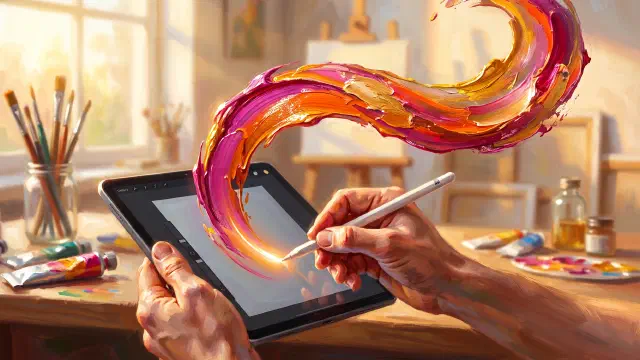
Trazu and Tayasui Sketches both try to make a touch screen feel like real paint, and both stay refreshingly simple while doing it. Where they part is in what they mean by realistic. Tayasui Sketches perfects the look of traditional media, with a celebrated watercolor brush, unlimited layers, and an Apple Vision version. Trazu simulates the physics of paint and adds study views, for a single lifetime price.
Most comparison posts pit a small app against a big one, or a free app against a paid one. This is not that. Trazu and Tayasui Sketches share a philosophy. Both believe a painting app should feel like paint, not like a diagram tool. Both keep the interface calm. Both run on your phone and your tablet. So the interesting question is not which one is more serious. It is where two apps that want the same thing quietly disagree, because that is where you will find the one that fits your hand.
What Trazu and Tayasui Sketches agree on
Start with the common ground, because it is real and it is large.
Both apps are built on the belief that the goal of a painting app is the sensation of painting. Tayasui Sketches puts it directly on its own site: “Stop thinking about the device, enjoy the sensation of drawing on paper.” Trazu’s promise, “Real paint. No mess.”, is the same idea from the same direction. Neither app is trying to be a full illustration production suite. Both are trying to give you the feeling of a loaded brush.
Both are also deliberately uncluttered. Tayasui Sketches is known as one of the most beautiful minimalist sketching surfaces on any platform, with a Zen mode that strips the interface down to almost nothing. Trazu opens to a single canvas with a loaded brush, so your first stroke happens in seconds with no panels to configure. If you have ever opened a professional app, seen a wall of menus, and closed it, both of these apps were made in reaction to exactly that.
And both follow you across ecosystems. Tayasui Sketches runs on iPhone, iPad, Mac, and Android. Trazu runs on iPhone, iPad, Mac, and Android. Whichever phone is in your pocket, both are an option, which is not something you can say about most painting apps.
That shared ground is why this comparison matters. When two apps agree on the goal, the differences that remain are the ones that will actually decide which one you keep.
The real split: the look of paint versus the physics of paint
Here is the deepest difference, and it hides inside the word “realistic,” because the two apps mean different things by it.
Tayasui Sketches is realistic in the way a photograph is realistic. It nails the appearance of the media. Its watercolor brush is genuinely one of the best in the category, an incredibly realistic watercolor brush where colors flow and blend together, and the App Store listing describes over 20 ultra realistic tools covering pencil, ink, acrylic, and airbrush. When you lay down a Sketches watercolor wash, it looks like watercolor. That look is why the app has earned a 4.5 rating across roughly 53,000 ratings. It is a deserved reputation, and nothing here should be read as taking it away.
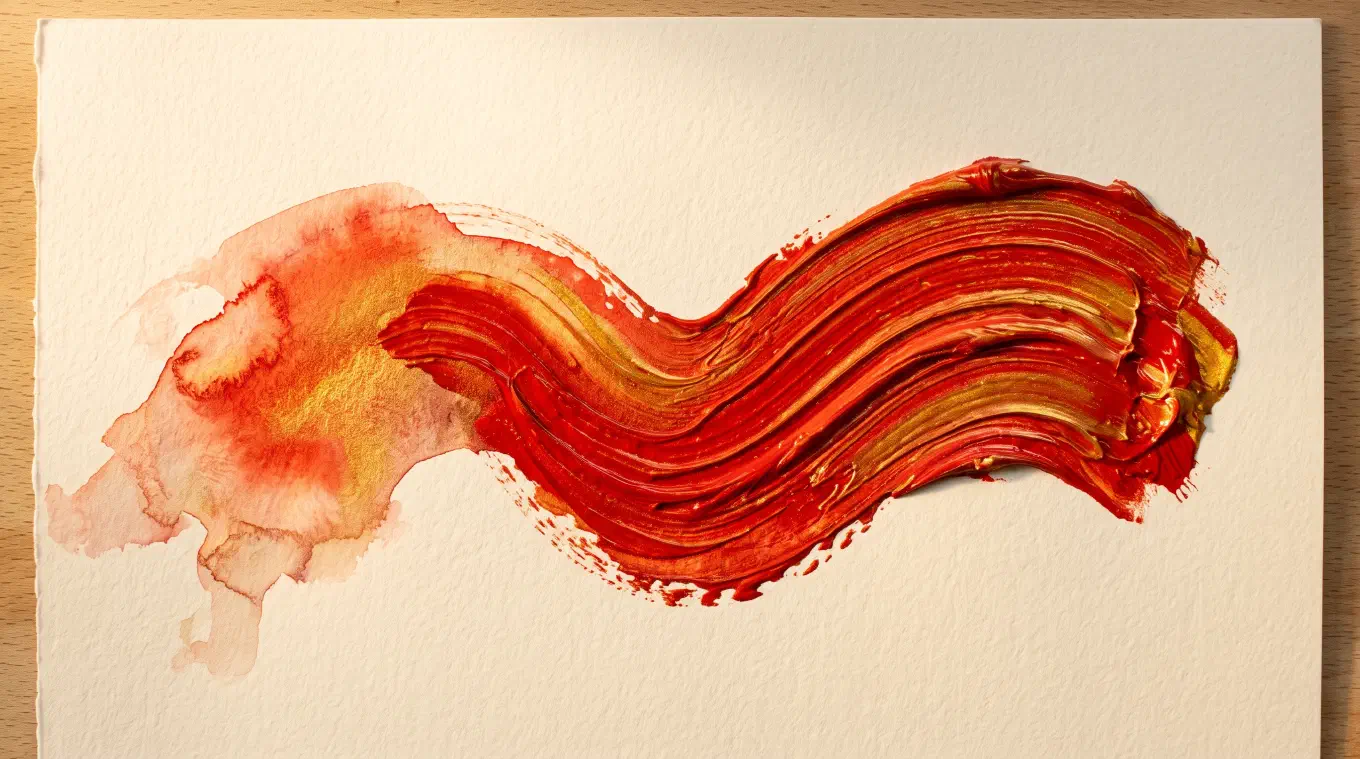
Trazu is realistic in a different way. It simulates the behavior of paint, not just the appearance. The brush in Trazu carries a finite charge of paint that depletes as you drag it, so a long stroke fades and breaks the way a real one does when the brush runs dry. Drag through color already on the canvas and it lifts, smears, and mixes wet into wet, the way a loaded filbert moves through fresh oil. Press harder and the stroke widens. Move faster and the paint thins and skips. Oil builds up thickly, with real impasto, so you can see the ridge a heavy stroke leaves. The paper is not a background image but a surface your stroke catches on, across twelve textures from hot-press watercolor to canvas weave.
The distinction is look versus feel. Sketches gives you a brush that produces a beautiful result. Trazu gives you a brush that behaves like a physical object in your hand, one that runs out, picks up, and drags. Neither is more correct. They are two honest answers to the same question. If you judge a painting app by how the finished stroke looks, Sketches is superb. If you judge it by how the brush responds while you are pulling it, that is the exact thing Trazu was built to simulate.
Where Tayasui Sketches is clearly the stronger tool
A fair comparison names where the other app wins, plainly, so here it is.
Tayasui Sketches has unlimited layers, and it can import and export layered PSD files. If you build an image in stacked parts and move it between apps as a PSD, that is a real workflow that Sketches supports and Trazu does not. Trazu has layers too, but a painter’s kind: a few free and more with Premium, each with its own opacity, meant for an underdrawing, an underpainting, and glazes on top. Wet paint mixes only within the layer you are painting on, so a glaze never drags the underpainting into itself, the way paint that has dried on a real canvas stays put. Trazu offers no blend modes and no PSD import or export. If those are how you work, Sketches is the better tool and you should use it.
Sketches also reaches onto Apple Vision, in addition to iPhone, iPad, Mac, and Android. Trazu runs on iPhone, iPad, Mac, and Android too, but it has no Apple Vision version. If you want to paint in a headset on a spatial canvas, Sketches goes somewhere Trazu does not.
And Sketches carries years of refinement and a large, satisfied user base behind it. Trazu is newer. It does not have the same depth of reviews or the same long track record. That is worth weighing honestly if a long history matters to you.
Where Trazu does something Tayasui Sketches does not
Trazu has one feature that has no equivalent in Tayasui Sketches, and it is the reason many painters choose it: the study views.
Four analysis lenses live inside the canvas. While you paint, you flip your own work in progress into Value, Temperature, Saturation, or Contrast. Value strips your painting to grayscale so you can see your light-dark structure, which is the fastest way to discover that all your darks are secretly the same tone. Temperature maps where warm and cool live, so you can catch a warm shadow that is quietly turning your picture to mud. Saturation and Contrast do the same for intensity and tonal range. Painters have always squinted at their work to see these things. Trazu does the squint for you, mid-stroke, while there is still time to fix it. This is the digital version of the value study painters do before committing to color, and a built-in way to catch problems like muddy color or a broken warm-cool balance before they ruin a piece. Tayasui Sketches has a beautiful color palette and a lovely surface, but it does not turn your own canvas into a diagnostic lens like this.
Trazu also carries the paint-behavior tools that follow from its physics engine: symmetry across the vertical, horizontal, or both axes, hold-to-snap shapes, a stroke stabilizer for steady lines, and a color drop that floods a region when you drag a swatch onto it. The range of media is wide for an app this simple to open: nine mediums, oil, watercolor, charcoal, chalk, ink, pastel, airbrush, a blending medium, and a basic medium, each behaving differently, with twenty-nine brushes and twelve paper textures.
The pricing question: one lifetime price versus a Pro unlock and subscriptions
Both apps are free to start, and both let you paint seriously without paying. The difference is in what happens when you do pay.
Tayasui Sketches is free to download with in-app purchases. It offers a one-time Pro unlock alongside weekly, monthly, and yearly subscription options. The one-time Pro unlock is the thing to look for if you dislike recurring charges, since it lets you own the upgrade outright. Prices and tiers shift over time, so check the current choices in the app’s own purchase screen rather than trusting any figure quoted elsewhere. Worth knowing: Sketches used to ship as a free app plus a separate one-time paid Pro app, and the move toward subscription options is a change some long-time users have noticed. It is a common and legitimate way to run an app, and the one-time unlock is still there for people who prefer it.
Trazu keeps it to a single line. It is free to use, with the full paint engine, the core brushes and papers, and PNG and JPEG export unlocked from the first stroke, and the free tier saves up to ten drawings. Trazu Premium is one purchase, lifetime, with no subscription of any kind. It removes the saved-drawing cap and unlocks the four study views, transparent PNG export, and the master brushes and papers. You buy it once and it is yours. The reasoning is simple: a painting app does not need a monthly server bill to keep working, so you should not pay one. If a recurring charge for a tool this simple is the thing that bothers you, that is the friction Trazu is built to remove.
Trazu vs Tayasui Sketches, side by side
| Tayasui Sketches | Trazu | |
|---|---|---|
| Core philosophy | The look of real media, minimalist surface | The physics of real paint, minimalist surface |
| Watercolor | Celebrated, flows and blends beautifully | Translucent, blooms at the edges, mixes wet into wet |
| Paint physics | Realistic appearance | Depleting brush charge, wet pickup, impasto buildup |
| Layers | Yes, unlimited, with PSD import and export | Yes, a few free and more with Premium, no blend modes or PSD |
| Study views | No | Yes: Value, Temperature, Saturation, Contrast |
| Platforms | iPhone, iPad, Mac, Apple Vision, Android | iPhone, iPad, Mac, Android |
| Pricing | Free; one-time Pro unlock plus subscription options | Free; single one-time lifetime purchase, no subscription |
| Offline and private | Works on device, iCloud sync available | Fully offline, no account, everything stays on your device |
| Track record | Long, established, large user base | Newer app |
Who should choose which
Choose Tayasui Sketches if you want the most celebrated minimalist watercolor surface in the category, if you build images in many layers or need PSD files, if you want to paint on Apple Vision as well as your phone, or if a long, proven track record matters to you. It is an excellent app with a reputation it has earned, and there is no reason to leave it if it fits you.
Choose Trazu if you want painting to feel physical, a brush that runs dry, picks up wet color, and builds up thick, rather than only looking right. Choose it if you want the study views to teach you to see value, temperature, saturation, and contrast while you paint, and if you want a single lifetime price with no subscription, no account, and everything staying on your device. You give up PSD files, blend modes, and an Apple Vision version to get it. For many painters, that is a trade worth making.
If you are still weighing your options, see our roundup of the best simple drawing and painting apps, where Tayasui Sketches also appears, and our honest takes on whether you need Procreate and the best ibis Paint alternative without the ads.
Try Trazu
Trazu is out now on iPhone and iPad, Mac, and Android. Free to use, no ads, no account, one lifetime purchase for the rest. Paint that behaves like paint, in your pocket.