The best ibis Paint alternative without the ads is Trazu, if what you want is a painting app with no ads, no account, and a single one-time purchase instead of an ads-or-subscription model. ibis Paint X is powerful and beloved, and for layered illustration it is hard to beat. But its free version is ad-supported, and removing the ads means a purchase or a subscription. Trazu removes the ads by never having them.
This is not a hit piece. ibis Paint X is one of the most capable mobile art apps ever made, and millions of people are happy with it for good reasons. This post is for one specific person: someone who already uses or knows ibis Paint, likes it, but is tired of the banner ads or the nudge toward Premium Membership, and wants to know what else is out there. The honest answer involves a real trade, and this post names it.
What ibis Paint X gets right
ibis Paint X is a serious tool, and pretending otherwise would be dishonest. It is free to download, it runs on iOS, Android, Windows, and macOS, and the ibis Paint series has been downloaded more than 500 million times. That reach is earned.
The feature set is deep. It offers a very large brush library, unlimited layers with alpha blending, adding, subtracting, and multiplying, dozens of filters, screentones, and blending modes, and the well-known stroke stabilizer that smooths shaky linework. It records your drawing process as a video, and it has a large online community where you can learn techniques from other users’ process videos. For anime, manga, comics, and layered digital illustration, that combination is excellent. If that is your work, ibis Paint is a genuinely good home for it, and you should keep using it.
So why would anyone leave? Not because ibis Paint is bad. Because of two specific frictions.
The two frictions: ads and the subscription push
The free version, ibis Paint X, is ad-supported. Banner ads sit at the top or bottom of the screen. To remove them, ibis Paint offers three purchasing options: a one-off Ad Removal Upgrade, or a Premium Membership subscription sold as a monthly plan or a yearly plan. Either the ad-removal purchase or Premium removes the ads. On the Windows version there is a separate Prime Membership. There is also a distinct paid app called ibis Paint, without the X.
Premium Membership is where most of the extras live. It unlocks 20GB of cloud storage, the vector tool, premium materials, premium canvas papers, premium fonts, extra filters like tone curve, gradation map, and levels adjustment, premium adjustment layers, surrounding fill and surrounding eraser, artwork folders, importing your own brush patterns, and removing the watermark from recorded videos. That is a lot of value for people who want it. Prices vary by region and platform, so check the current amount inside the app’s own purchase window rather than trusting any figure quoted elsewhere.
None of this is predatory. It is a normal and common way to run a free app. But for some people it is the wrong shape. If you resent banner ads while you are trying to concentrate on a painting, or you do not want another subscription on your account, the model itself is the friction, no matter how good the app is.
Trazu’s answer: no ads, no account, one price
Trazu removes those two frictions by design. There are no ads, ever. There is no account, no sign-up, and no email. The app works fully offline, so you can paint on a plane or the subway with nothing to sync, and nothing you make ever leaves your phone. It runs on iPhone, iPad, Mac, and Android.
Trazu is free to use, with the full paint engine and the core mediums and papers unlocked from the first stroke, and the free tier saves up to ten drawings. When you want the whole studio, Trazu Premium is a one-time purchase, lifetime, with no subscription. It unlocks unlimited drawings, the four study views, transparent PNG export, and a shelf of master brushes and papers. You buy it once and it is yours. No monthly charge, no yearly renewal, no ad-removal upsell.
That is the pricing philosophy in one line: a painting app does not need a monthly server bill to keep working, so you should not pay one.
The part ibis Paint does not do: real paint physics
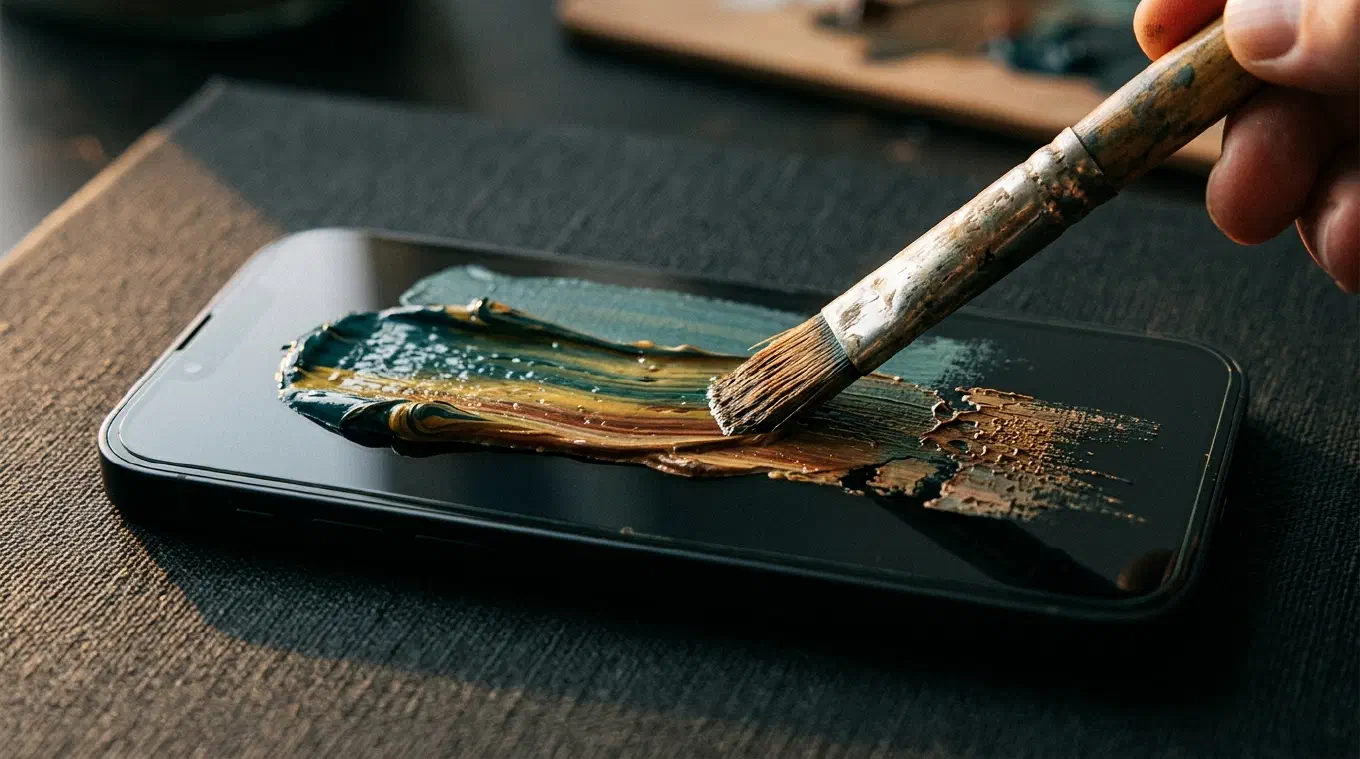
Here is where Trazu is genuinely different, not just cheaper. Most painting apps, including very good ones, lay down flat color. You place a shape, you fill it, the stroke sits on top of the canvas, and every stroke is identical. Trazu simulates how paint actually behaves.
The brush holds a finite charge of paint that depletes as you drag it, so a long stroke fades and breaks the way a real one does. Drag through color already on the canvas and it lifts, smears, and mixes wet into wet, the way a loaded filbert moves through fresh oil. Press harder and the stroke widens. Move faster and the paint thins and skips. And the paper is not a background image, it is a surface your stroke catches on. There are nine mediums, oil, watercolor, charcoal, chalk, ink, pastel, airbrush, a blending medium, and a basic medium, each behaving differently, with real tips inside each, round, flat, filbert, fan, palette knife, nib, wash, and dry. Twelve paper textures, from hot-press watercolor to canvas weave to a black pastel ground, give the stroke something to fight with.
This is a different goal than ibis Paint’s. ibis Paint gives you an enormous toolbox for building an illustration. Trazu gives you the feel of pulling a loaded brush through wet paint. If you have ever painted in real media and felt that digital brushes were dead by comparison, that gap is exactly what Trazu was built to close.
The study views: seeing why your painting works
Trazu also has something no other paint app has: four analysis lenses built into the canvas, the same ones from our color app Undertone. While you paint, you can flip your own work in progress into Value, Temperature, Saturation, or Contrast.
Value strips your painting to grayscale so you can see your light-dark structure, which is the fastest way to discover that all your darks are secretly the same tone. Temperature maps where warm and cool live, so you can catch a warm shadow that is quietly turning your picture to mud. Saturation and Contrast do the same for intensity and tonal range. Painters have always squinted at their work to see these things. Trazu does the squint for you, mid-stroke, while there is still time to fix it. ibis Paint has powerful filters, but it does not turn your own canvas into a diagnostic lens like this.
The honest trade: what Trazu does not have
This is the part most comparison posts skip, so here it is plainly. Trazu is simpler than ibis Paint, on purpose, and simpler means fewer features.
Trazu’s layers are a painter’s layers, not an illustrator’s. ibis Paint’s unlimited layers with blend modes and clipping are central to how illustrators, and especially anime and manga artists, work, and Trazu offers neither blend modes nor clipping. Trazu has no community or online gallery, there is no feed, no process videos to browse, nothing social, because nothing leaves your device by design. And Trazu’s brush selection, while it covers real tips across nine mediums, is far smaller than ibis Paint’s enormous library. Trazu has no screen recording of your process, no vector tool, no animation.
If any of those are core to your work, ibis Paint is the better choice, and you should use it without apology. Trazu is not trying to be a smaller ibis Paint. It is a different kind of tool, focused on the feel of paint and on seeing your own work clearly, rather than on a full illustration suite.
ibis Paint X vs Trazu, side by side
| ibis Paint X | Trazu | |
|---|---|---|
| Ads | Yes, on the free version | None, ever |
| Account required | Yes, for the community and cloud | None |
| Offline and private | Cloud and community features; work can sync | Fully offline, nothing leaves the device |
| Pricing model | Free with ads; Ad Removal Upgrade one-off, or Premium Membership subscription (monthly or yearly) | Free to use; Premium is a one-time purchase, no subscription |
| Layers | Yes, unlimited, with blend modes and clipping | Yes, a few free and more with Premium, no blend modes or clipping |
| Brush library | Very large | Smaller, real tips across nine mediums |
| Community and gallery | Yes, large | No |
| Real paint-physics engine | No | Yes |
| In-canvas study views | No | Yes, Value, Temperature, Saturation, Contrast |
| Platforms | iOS, Android, Windows, macOS | iPhone, iPad, Mac, Android |
Who should use which
Stay with ibis Paint X if you make anime, manga, comics, or layered illustration, if you rely on layers and a big brush library, if you want to share your process and learn from a community, or if the ads and subscription simply do not bother you. It is an excellent app and it is free to try. There is no reason to leave a tool that fits you.
Switch to Trazu if the ads break your focus, if you do not want another subscription, if you value working offline with no account and nothing leaving your phone, and above all if you want painting to feel like real paint, with depletion, wet-into-wet mixing, and paper grain, plus the study views to see why your work works. You give up blend modes, clipping, and community to get it. For many painters, that is a trade worth making.
If you are weighing simple painting apps more broadly, see our roundup of the best simple drawing and painting apps, and if you are also looking at the other big name in the category, read do I need Procreate.
Try Trazu
Trazu is out now on iPhone and iPad, Mac, and Android. Free to use, no ads, no account, one-time purchase for the rest. Paint that behaves like paint, in your pocket.